Visualization Backends#
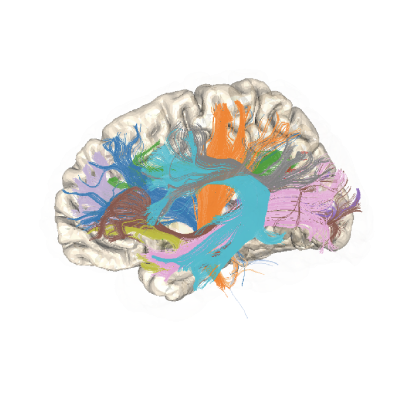
pyAFQ can generate figures to visualize the results of tractometry. How these figures are generated depends on the choice of visualization backend. Currently, there are three choices:
plotly: use Plotly to generate interactive figures that are exported as html files and rotating mp4s. The rotating mp4s can take a long time to generate (~2 min/mp4) using this backend. No additional installations are required to use this backend.
plotly_no_mp4: use Plotly to generate interavtive figures that are exported as html files, but do not generate mp4s. No additional installations are required to use this backend.
fury: use Fury to generate rotating mp4s. Unlike our current setup in Plotly, Fury can generate mp4s quickly. To use this backend, install pyAFQ with the optional fury requirements:
pip install pyAFQ[fury]
And install libGL.
By default, plotly_no_mp4 is used. Fury requires additional installations and does not make interactive figures, and Plotly takes a significant amount of time to generate rotating mp4s.
Fury Dockerfile for Cloudknot#
If using the fury visualization backend while running pyAFQ on cloudknot, you must provide a base image with the fury requirements installed. Below is an example dockerfile that can be used to build that base image:
# Use official python base image
FROM python:3.13
# Install libgl
RUN apt-get update
RUN apt-get install -y \
           libgl1 \
           libglx-mesa0 \
           libegl1 \
           libgl1-mesa-dri \
           libvulkan1 \
           mesa-vulkan-drivers \
           vulkan-tools